Step inside the frame.
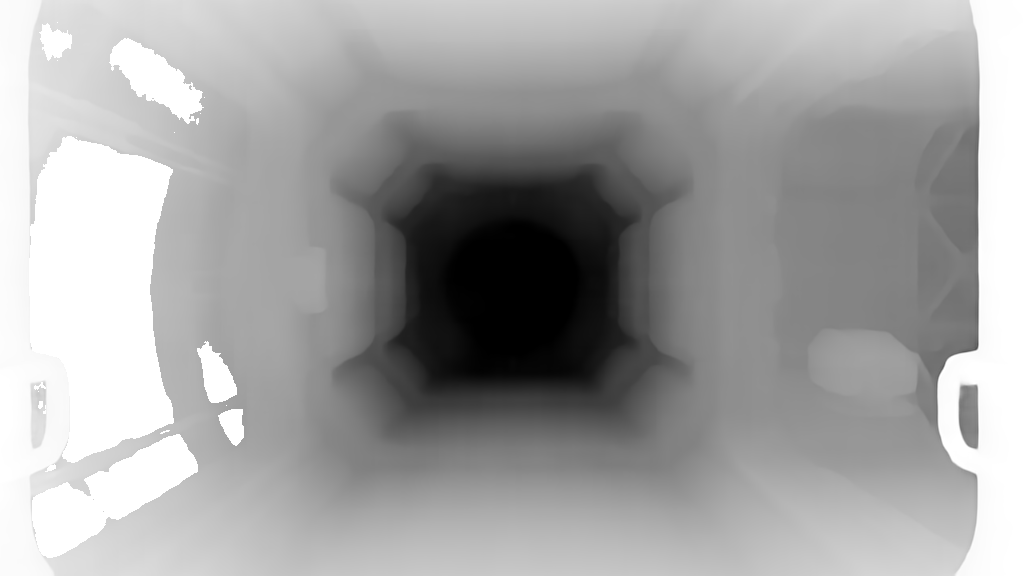
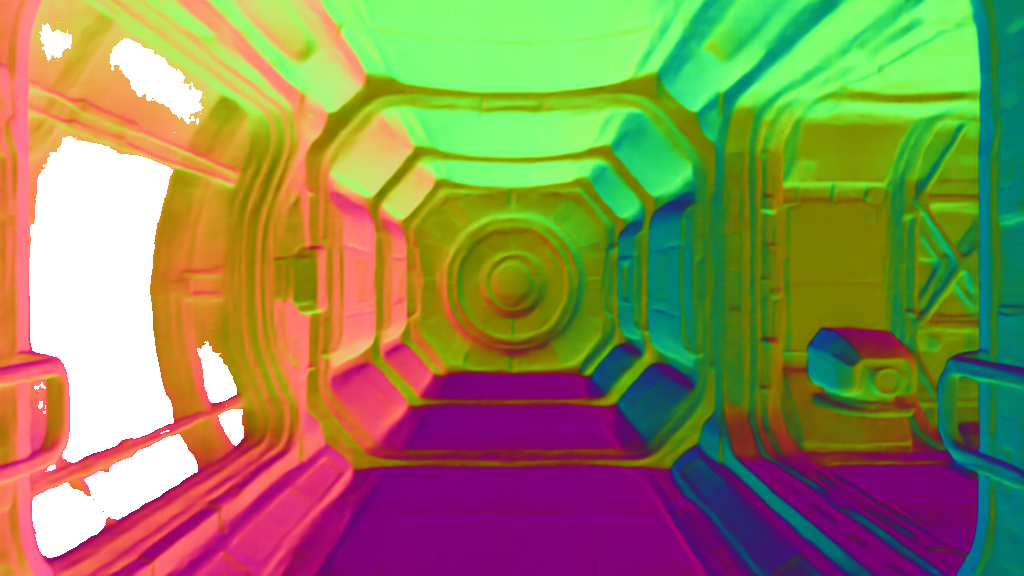
Give Diorama one still image. Move beyond its edges, turn around, and come home. Every path you discover becomes part of the world and plays instantly when you return.
Cross the station.
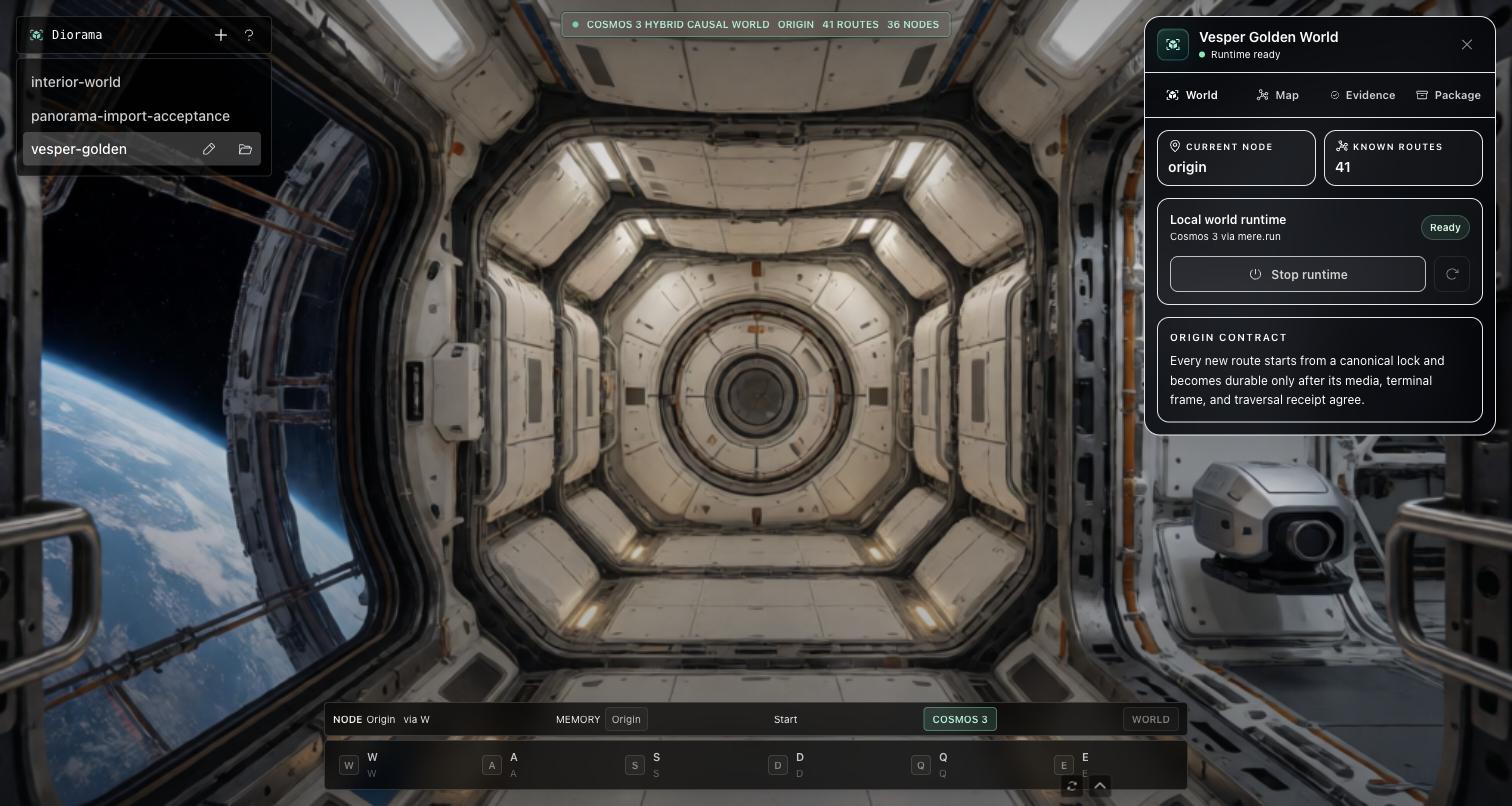
Forward travel, a left arc, then a right arc—from the station floor around the reactor to the Earth window, generated locally on Apple Silicon.
The uninterrupted Vesper traversal is playing.
DIORAMA 0.1.0 · AVAILABLE NOW
Signed, notarized, and independently Gatekeeper-verified. No account inside Diorama; your images and worlds never leave your Mac.
SHA-256 · 5E35BA840343… ↗01 — The origin
One frame is a place you haven’t walked yet.
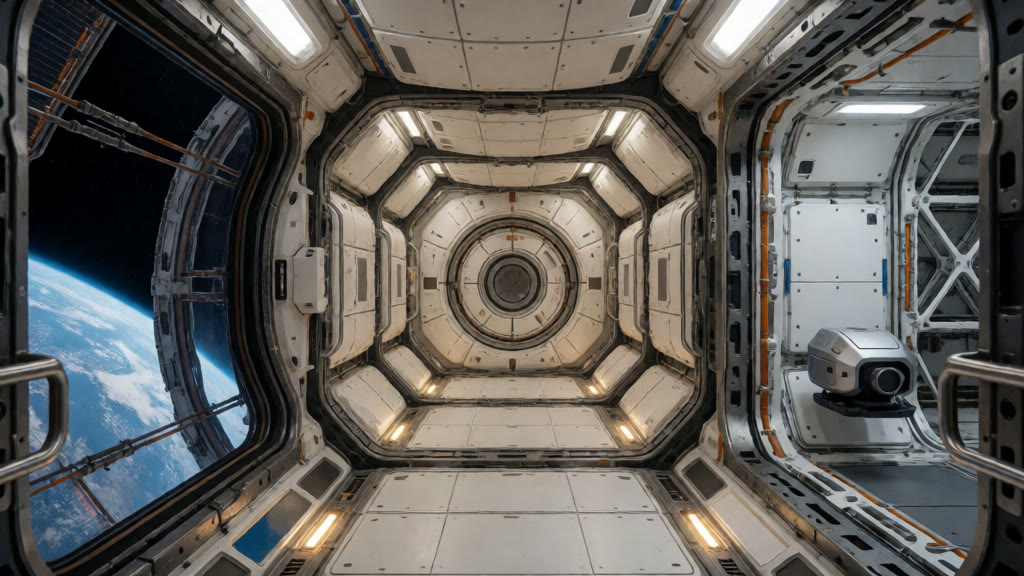
Drop in any still. Diorama opens it as the first view of a new world, gives you room to move immediately, and fills in richer paths as you explore. Return to somewhere you have already walked and it starts instantly.
SIX DIRECTIONS Choose where to go. Diorama turns that input into a camera move, checks that the world followed, then unlocks the path for instant replay.
02 — Movement
Press forward. Go forward.
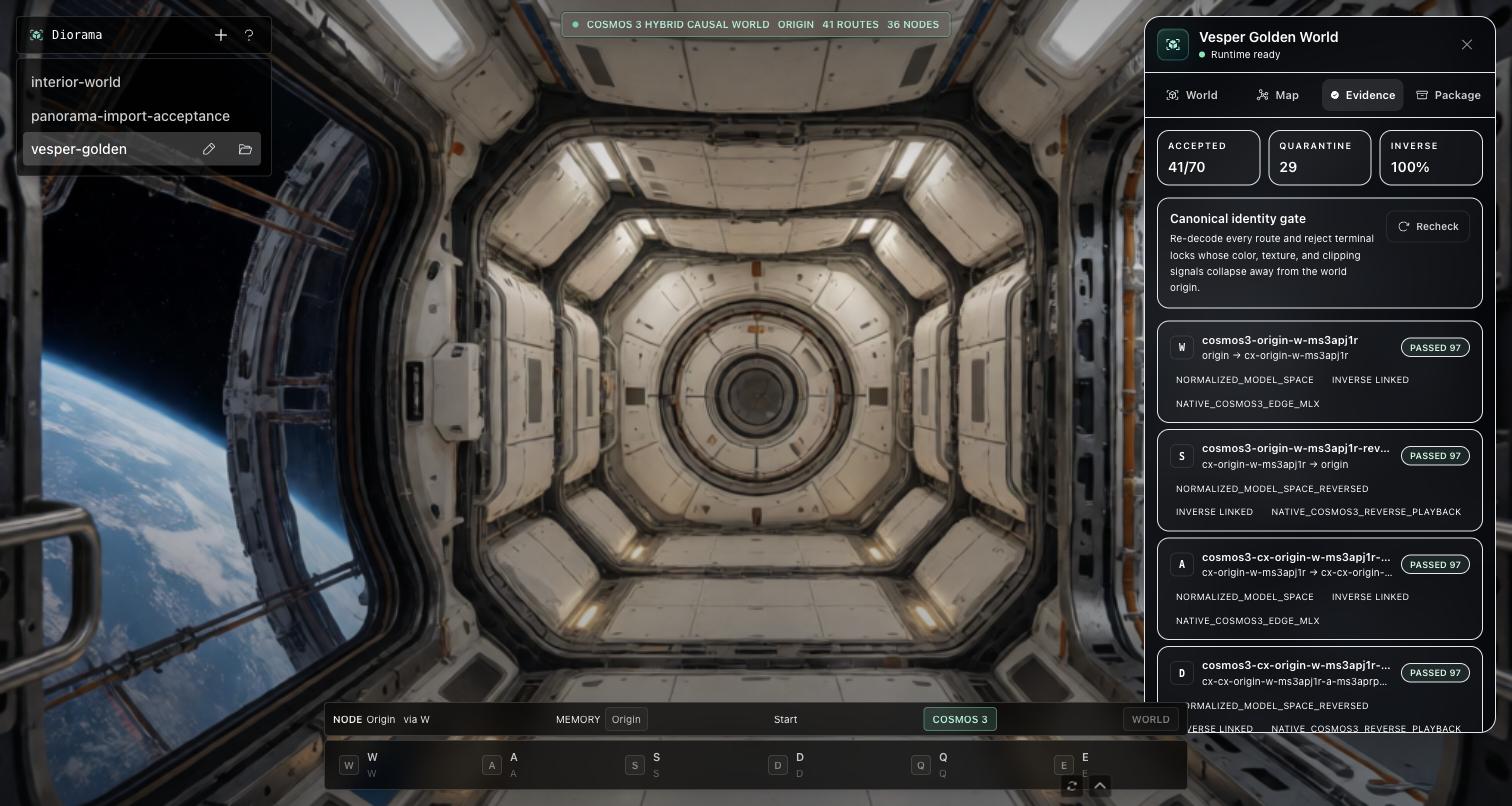
Diorama checks every move twice: once against the camera path you asked for, and again against what actually happened on screen. Only paths that travel the right way and keep the world together become part of your map.
The promise behind the complete 104-move Vesper session above—and every path you make inside Diorama.
- MoveIt travels in the direction you chose.
- BelongIt still feels like the same place when you arrive.
- ReturnIt keeps an exact route back to where you started.
Every path in Diorama has earned its place. Walk it once and it becomes part of your world: named, replayable, and ready to take you home.
- the direction you chose
- the place you reached
- the path back home
- the proof it all connects
Explore freely. Diorama remembers the way.
03 — Your world
Every path becomes part of the place.
Walk somewhere new and Diorama remembers the way. The next time, it plays instantly. Take a long route,
turn around, and follow the exact same path home. Close the app, reopen it tomorrow, or carry the whole place
to another Mac as a single .diorama world file.
- 104
- moves in one continuous Vesper session
- 13
- visual returns to the exact origin pose
- 100%
- saved paths with a way home
- 0
- waiting on a path you already walked
04 — Local by design
It runs on the machine in front of you.
Diorama builds the world on your Mac. Open the app and start exploring—no terminal, no cloud rendering, and no upload queue. Your source images, discovered places, and history stay on your disk, and stay yours.
- Apple Silicongenerated on your Mac
- DreamX / Wanbuilds the world as you move
- Cosmos 3 Edgehelps movement stay on course
- MoGe-2gives the first frame depth
- mere.run + MLXkeeps the whole engine local
Your image is already a place.
Download Diorama and mere.run, then start a world from any still. Inference, routes, interactions, and history stay on your Mac.